
If you’ve ever tried to prove to someone (your client, your bank, or even your mom) that you really are self-employed in Spain, you’ve probably heard about this mysterious document the “certificado de alta en el censo de autónomos.”
This guide breaks down exactly what that certificate is, why people ask for it, and how to download it online in just a few clicks. No bureaucracy-induced migraines, no running to the tax office. Just clear, step-by-step instructions to get your AEAT certificates, the two most requested ones, without losing your patience (or your Wi-Fi connection).
What is the self-employed registration certificate in Spain?
Usually an AEAT proof (AEAT is Spain’s Tax Agency): either the IAE registration certificate or the census status certificate. Both are free and immediate after login.
Which one should I send to a client or platform?
If they say "IAE proof", send the IAE registration certificate. For general "prove you’re registered", send the census status certificate because it shows start date, address, IAE epígrafe (your activity code), and VAT or IRPF setup.
Do autónomos pay the IAE tax?
Natural persons are exempt from paying IAE, but you still register your activity and epígrafe.
There are two AEAT certificates that cover 95% of requests.
Send this today: if the tender or procurement says "IAE", send the IAE certificate. If a bank, marketplace, or client says "prove you’re self-employed", the census status certificate usually works better.
More on how to register as a freelancer.
This is your activity proof in the IAE census (IAE is the economic activities tax).
This is the most complete "I am registered" document.
Follow these short, image-matched steps.
1. Accessing the procedure
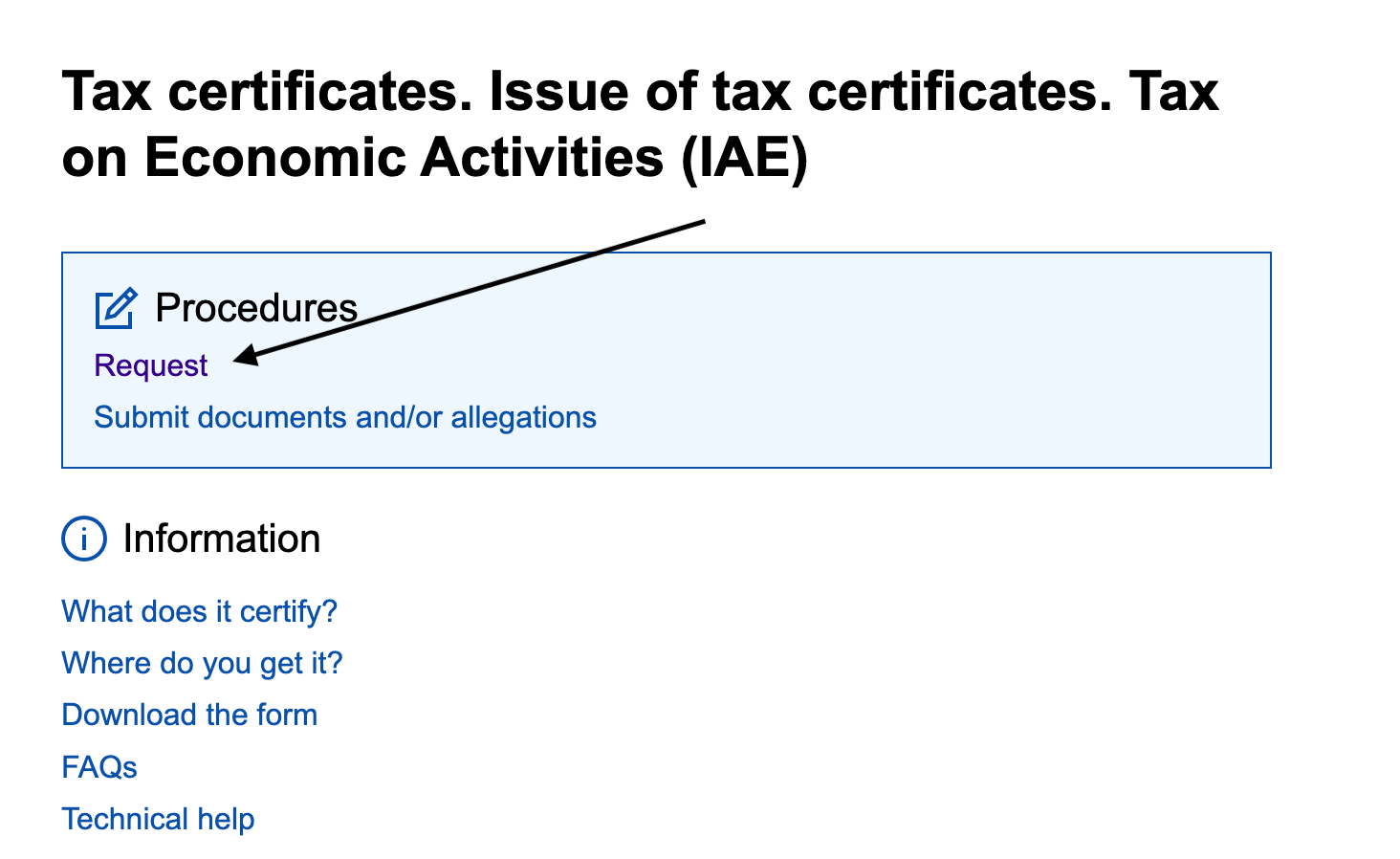
2. Filling in the application

3. Confirm and download
4. The final certificate
Your PDF is titled "Certificate of Registration in the Census of Economic Activities". It includes:

Tip: if you are unsure about your epígrafe (activity code), first check "Mis datos censales". Fix any issue, then request the certificate.
Also instant and free.
1. Accessing the procedure

2. Filling in the application

3. Confirm and download
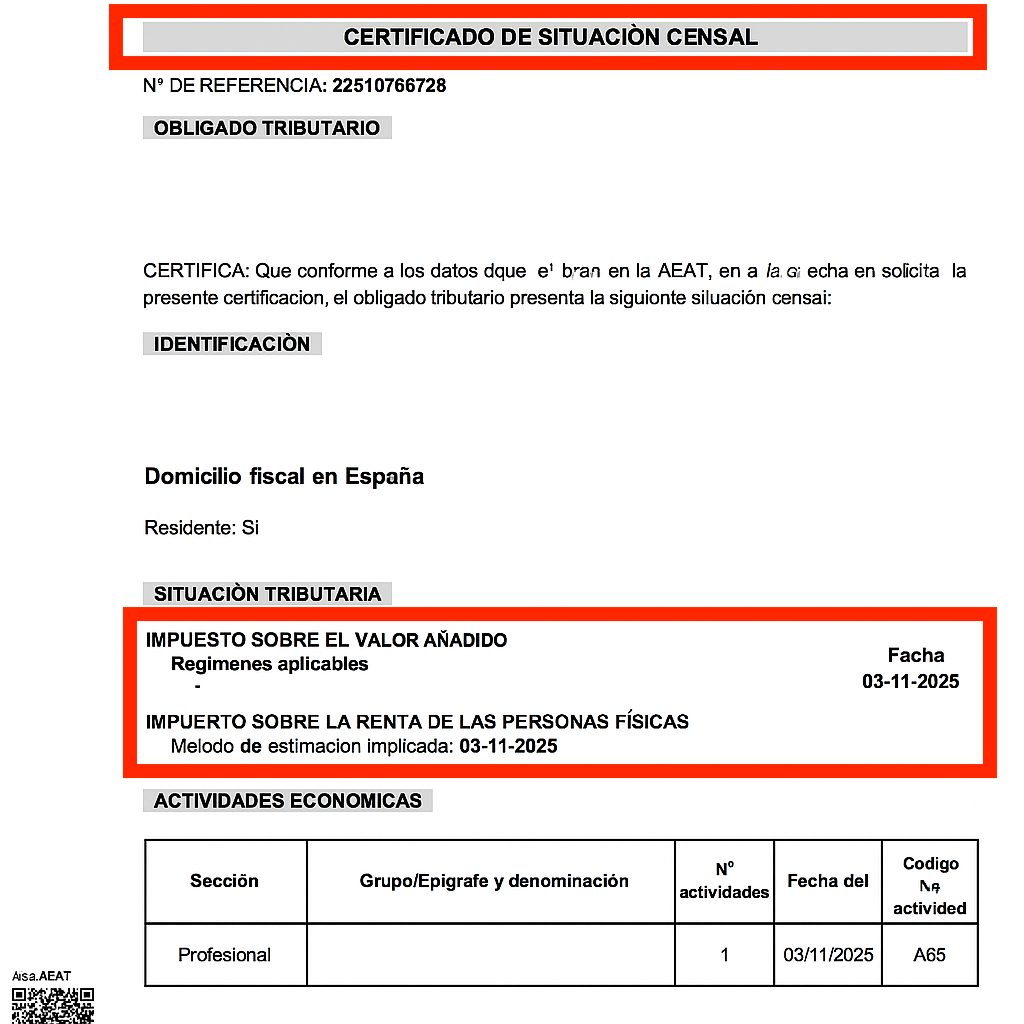
4. What the final certificate shows
The PDF is titled “Census status certificate.” It includes:
Check out this video on our YouTube channel, which explains the process step by step.
For tenders and some corporate buyers, send the IAE registration certificate. For general proof to banks, platforms, and clients, the census status certificate usually works best. If they ask for Social Security evidence, send the Importass accreditation or vida laboral. With Cl@ve, you can get everything in minutes.